If you are trying to work out whether your child will stick with piano, a free app answers that faster and cheaper than a term of lessons. Give them something that makes a sound in the first minute and watch whether they come back to it on their own. That single observation tells you more than any app's feature list, and it costs nothing to run the experiment.
Why tapping works better than reading at this age
Most children who quit piano quit during the gap between starting and sounding like anything. Notation widens that gap. Before a child plays a recognisable tune, they have to decode a stave, remember which line is which note, and coordinate two hands.
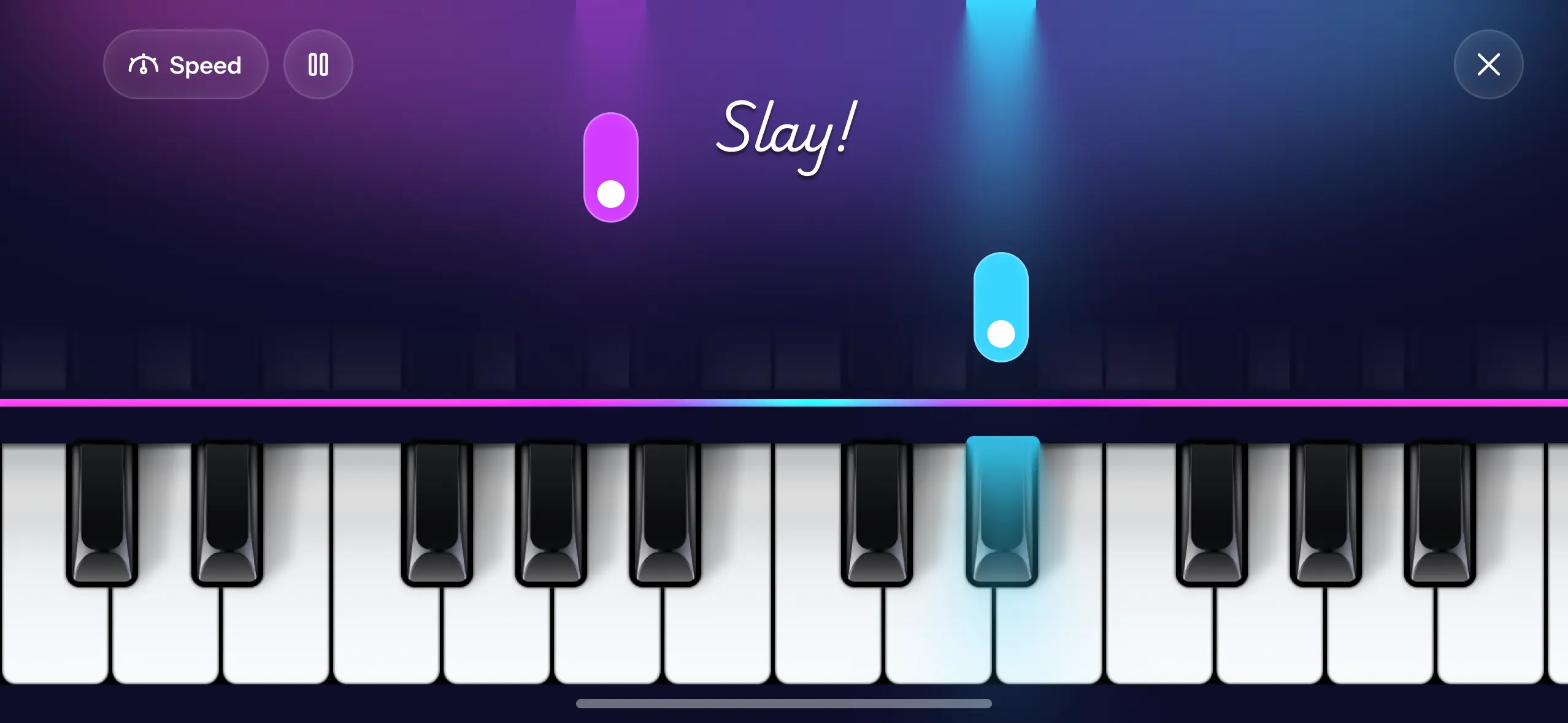
Falling-note modes skip the decoding. A note slides down the screen, the child taps it when it arrives, and a song they recognise comes out. That is a result inside the first minute, which is the only currency that matters when the alternative is a tablet game. In Piano Aura this is the Piano Game mode, and it is usually the first thing a child finds on their own.
Reading music is still worth learning. It is just a terrible place to start with a six-year-old.
Pick songs they already know
This is the part parents most often get wrong, usually because a graded book looks more like progress.
A child practises a song they recognise and abandons an exercise they don't. Nursery rhymes and singalongs are the whole trick here: Twinkle Twinkle, Old Macdonald Had a Farm, The Wheels on the Bus, Baa Baa Black Sheep, B-I-N-G-O, Itsy Bitsy Spider, Frère Jacques, and Mary Had a Little Lamb are all short, all built on a few chords, and all out of copyright. Piano Aura groups them into playlists like My First Songs, Nursery Jams, and Animal Band, so a child can pick by what sounds fun rather than by difficulty number.
Let them repeat the same song twenty times. That is not a lack of ambition, it is how the movement gets learned.
Use the speed control as the difficulty dial
Most falling-note apps let you slow a song down, and it is the most underused setting in any of them.
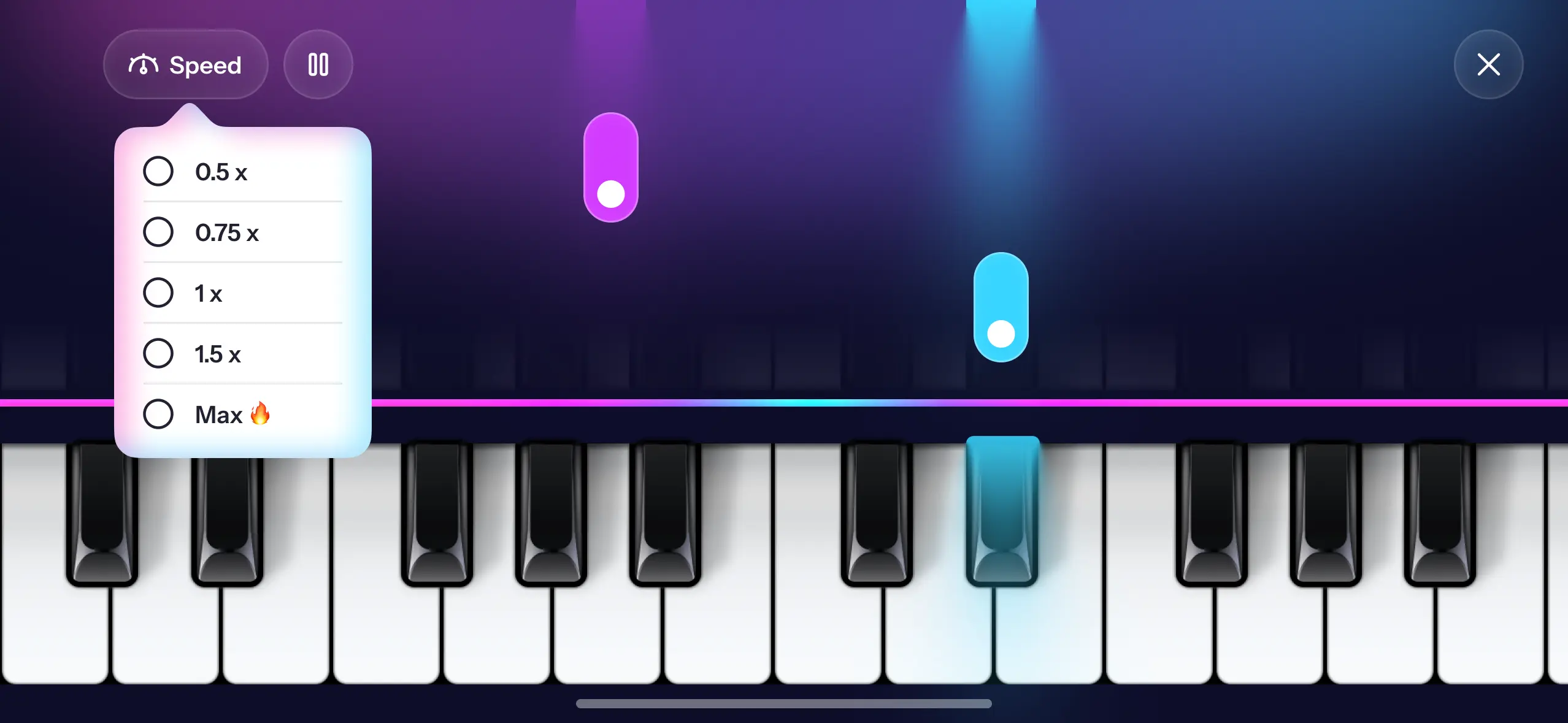
If a song is frustrating, take it to 0.75x or 0.5x rather than moving to an easier song. The child keeps the tune they wanted and gets a version their hands can manage. Then nudge the speed back up over a few days. The song stays the same while the challenge grows, which is exactly the shape you want, and it beats the alternative of quietly demoting them to something babyish.
What an app will not do
Be realistic about the ceiling here, because this is where app marketing tends to go quiet.
An app cannot see your child. It does not know their wrists have collapsed, their thumb is tucked under, or they are playing everything with one finger. Those habits get harder to undo the longer they run, and a human teacher spots them in a single lesson. No app corrects what it cannot see.
Piano Aura specifically does not teach sheet-music reading, does not connect to a digital piano, and gives you no parent dashboard or progress report. There is a score and a streak, which children enjoy, but that is a game score rather than an assessment of what they have learned. It is also iOS only, on iPhone and iPad. If you want a structured curriculum with graded levels, a lesson app or a teacher is the right purchase, and a screen keyboard is never going to replace weighted keys for touch.
What the free app is genuinely good for is the decision itself. Six weeks of a child choosing to open it tells you the interest is real, and that is the point at which lessons or a keyboard start being worth the money.
A realistic first month
Keep sessions short. Ten minutes of a child wanting to play beats forty minutes of being made to.
Let them choose the song, every time. Sit next to them for some of it, because a parent paying attention is a bigger motivator than any streak counter. Add a keyboard once the interest holds, since an iPad propped on a real piano works nicely: the app for the songs, the actual keys for the feel.
And if they lose interest after a month, you have learned something useful for free.
FAQ
What age can a child start using a piano app? Around five or six for tapping along, because it needs no reading and very little hand independence. Younger than that, treat it as making noises and exploring sounds, which is genuinely valuable and not something to grade.
Is a piano app enough on its own? For discovering whether they like it, yes. For technique, no. Apps do not correct hand position or posture, so a child who stays interested eventually needs real keys and ideally a teacher.
Do children need to read music to start? No. Plenty of players learn by ear and by pattern for years first. Playing piano without reading sheet music explains that route in more detail.
Free or paid app for a child? Start free. A subscription before you know whether the interest lasts is the most common wasted purchase here. Piano Aura is free to download with some extras reserved for the paid plan.
Does it work on a phone or does it need a tablet? Both work, and a tablet is noticeably better because the keys are bigger and two hands fit. A phone is fine for one-handed tunes.
If you want a list of tunes that sound better than they are to play, easy piano songs for beginners is a good place to start. Piano Aura is free on the App Store, so you can hand it to your child this afternoon and see what happens.