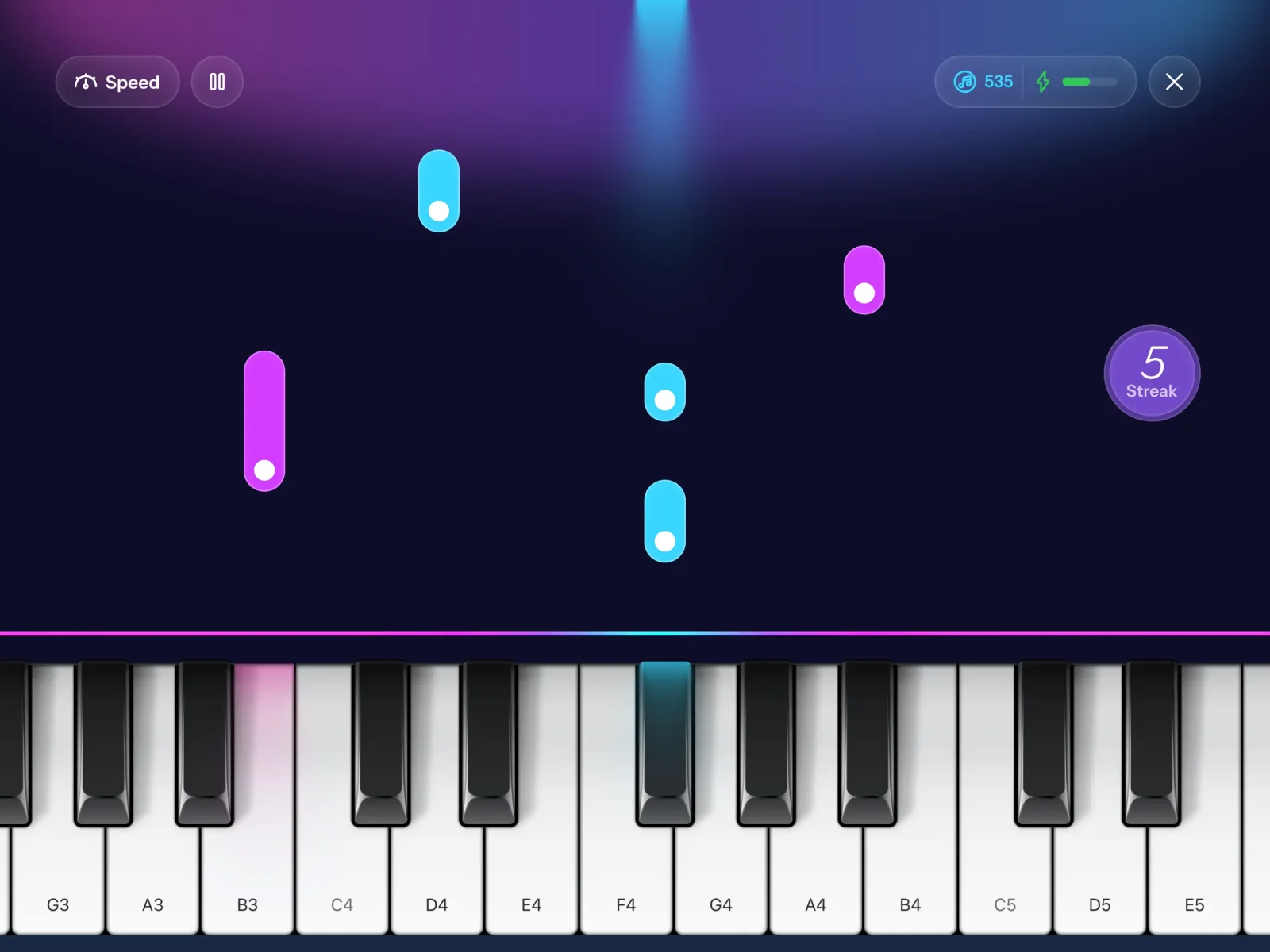
The best piano app for iPad depends on what you actually want to do with it. If you want a free app to play songs, mess around, and record, all without lessons or extra gear, Piano Aura is a strong choice, and it feels noticeably better on an iPad than on a phone. If you want a graded course that listens and corrects every note, a lesson app like Simply Piano or flowkey is the better fit. Here is how to decide, and why the bigger screen matters more than you would guess.
Why the iPad screen changes how it feels
On a phone, an on-screen keyboard is cramped. Your fingers cover half of it, and in a falling-note game the notes arrive fast in a narrow lane. An iPad fixes both. The keys sit close to real width, so your hand learns spacing that carries over to an actual piano, and there is room to see several notes coming before you have to play them. Held in landscape, an iPad turns its whole surface into an instrument, which is how a keyboard app is meant to be used.
That extra space helps most in three places: reading falling notes in a play-along mode, spreading tracks out when you record, and picking chords without fighting a cramped menu.
Is there a free piano app for iPad?
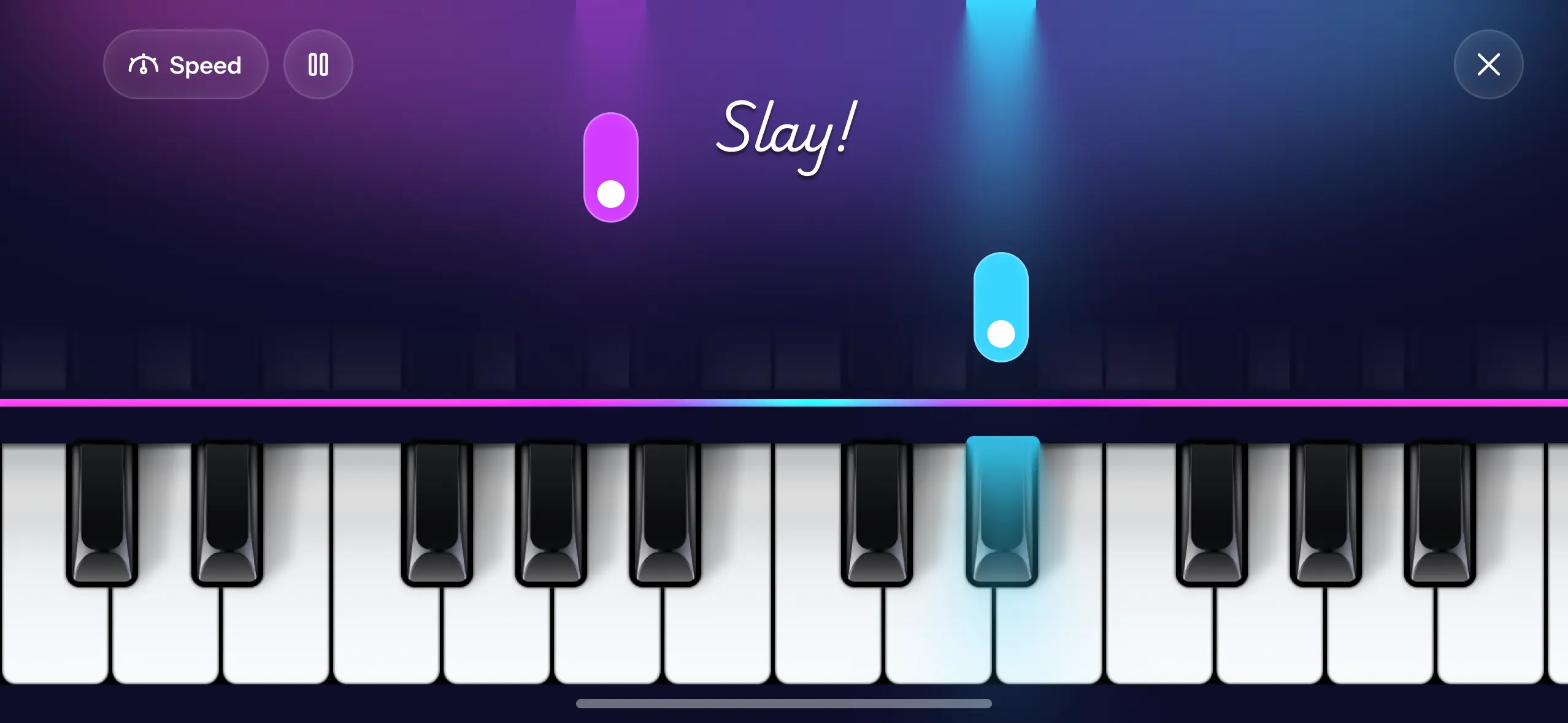
Yes. Piano Aura is free to download, and you can play, improvise, and record without paying. Its Piano Game mode drops notes down the screen so you press the matching key as each one lands, with no sheet music and no sign-up wall before you make a sound. A few instruments and the metronome are reserved for the paid plan, but the core loop of playing and recording is free. Free download matters more on iPad than people admit, because a tablet is often the shared family device, and nobody wants to commit to a subscription before anyone has touched a key.
Can you play classical music on an iPad piano app?
This is where the bigger screen pays off. Piano Aura's Piano Game catalog is copyright-free and leans heavily on classical pieces, so you can play Clair de Lune, Fur Elise, Canon in D, Gymnopedie No. 1, and The Entertainer in your first sitting, following the falling notes instead of reading a score. Start any song on Easy and slow it to 0.5x while your hands learn the shape, then let the tempo climb back to full. On an iPad you can actually see a phrase coming, which makes a busy piece like Flight of the Bumblebee feel less like a scramble.
Making and recording music, not just practicing
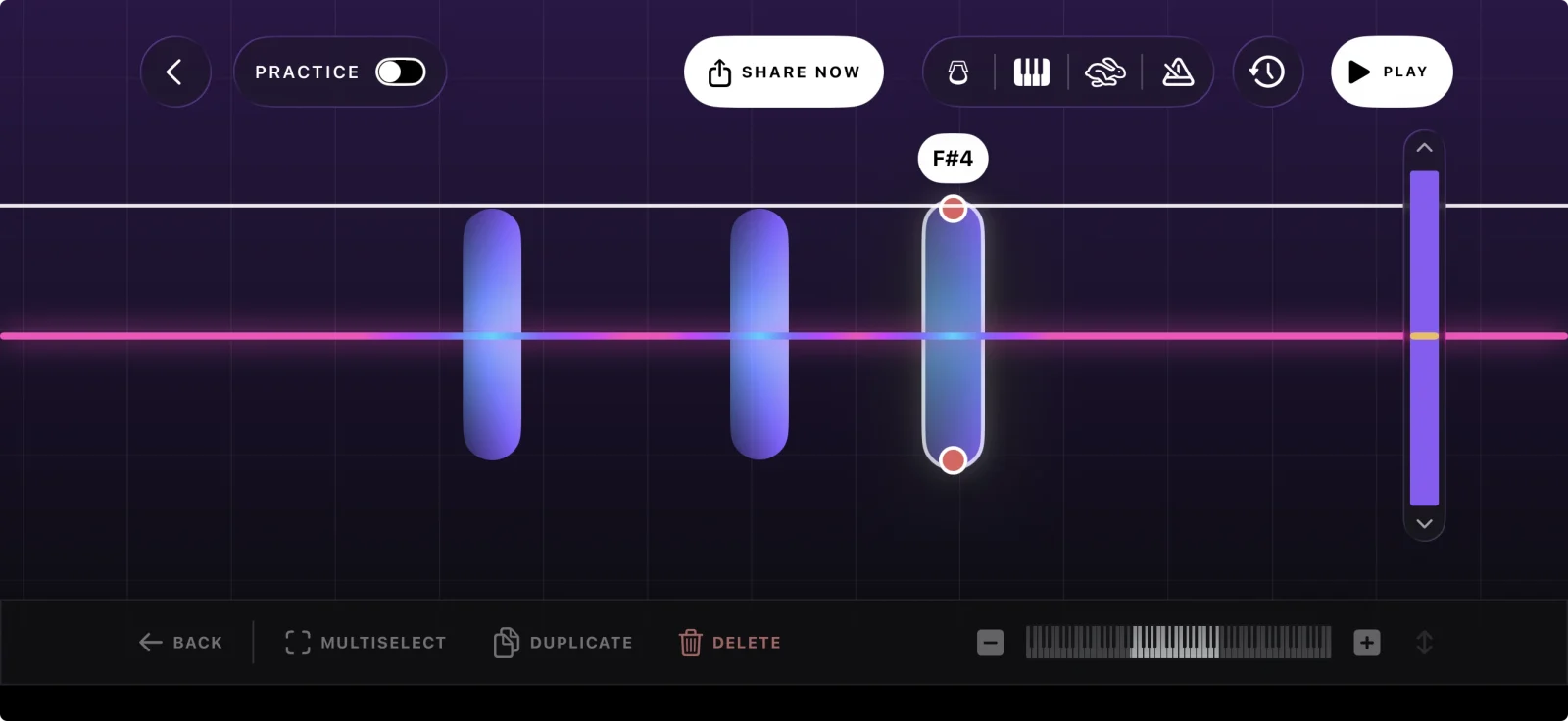
Lesson apps mostly teach you to reproduce a piece. Piano Aura also lets you build one. Freestyle hands you a blank keyboard and an instrument to improvise on, and you can record a take in a tap. Create Music is a small multi-track studio: lay down one part, add another on a different instrument, and each line sits as blocks on a timeline you can move, resize, or delete. On the iPad timeline there is finally room to see a whole arrangement at once instead of scrolling a phone-width sliver.
If chords are the part that slows you down, the Chord Builder puts them together for you. Pick a root and a quality, major, minor, a seventh, a sus chord, hear it before you commit, drop a bass note underneath for a slash chord, and move it up or down an octave.
When an iPad app is not the right tool
Here is the honest part. If you are chasing a concert-grand sound for serious solo performance, a screen keyboard is not it, and you will want a weighted digital piano and a proper sampler. If your plan is to plug in a MIDI keyboard and work through graded lessons, an app built around that will serve you better. And if you genuinely want a structured course that corrects your technique, it is worth seeing how the big lesson apps stack up in Simply Piano vs flowkey vs Yousician. Piano Aura is for playing, learning songs by eye and ear, and making your own music, not for grading you.
FAQ
Is Piano Aura on iPad or only iPhone? Both. It runs on iPhone and iPad and is built for landscape, so the iPad gets the roomier keyboard and the wider timeline.
Do I need a keyboard or any other gear? No. It plays entirely on the touchscreen, sound included. That is the whole idea of a screen-based app: no cables, no audio interface, nothing extra to buy.
Is it good for a total beginner? Yes. Falling notes plus the slow-down speeds mean you can play a recognizable song on your first day, which is usually what keeps a beginner coming back.
What is the best free piano app for iPad overall? For playing and creating without a subscription, Piano Aura. For a graded lesson course, the paid apps do that job better. The best free piano apps for iPhone walks through the free options, and most of them run the same on an iPad.
Piano Aura is free on the App Store if you want to try it on your iPad before deciding whether a lesson subscription is worth it.