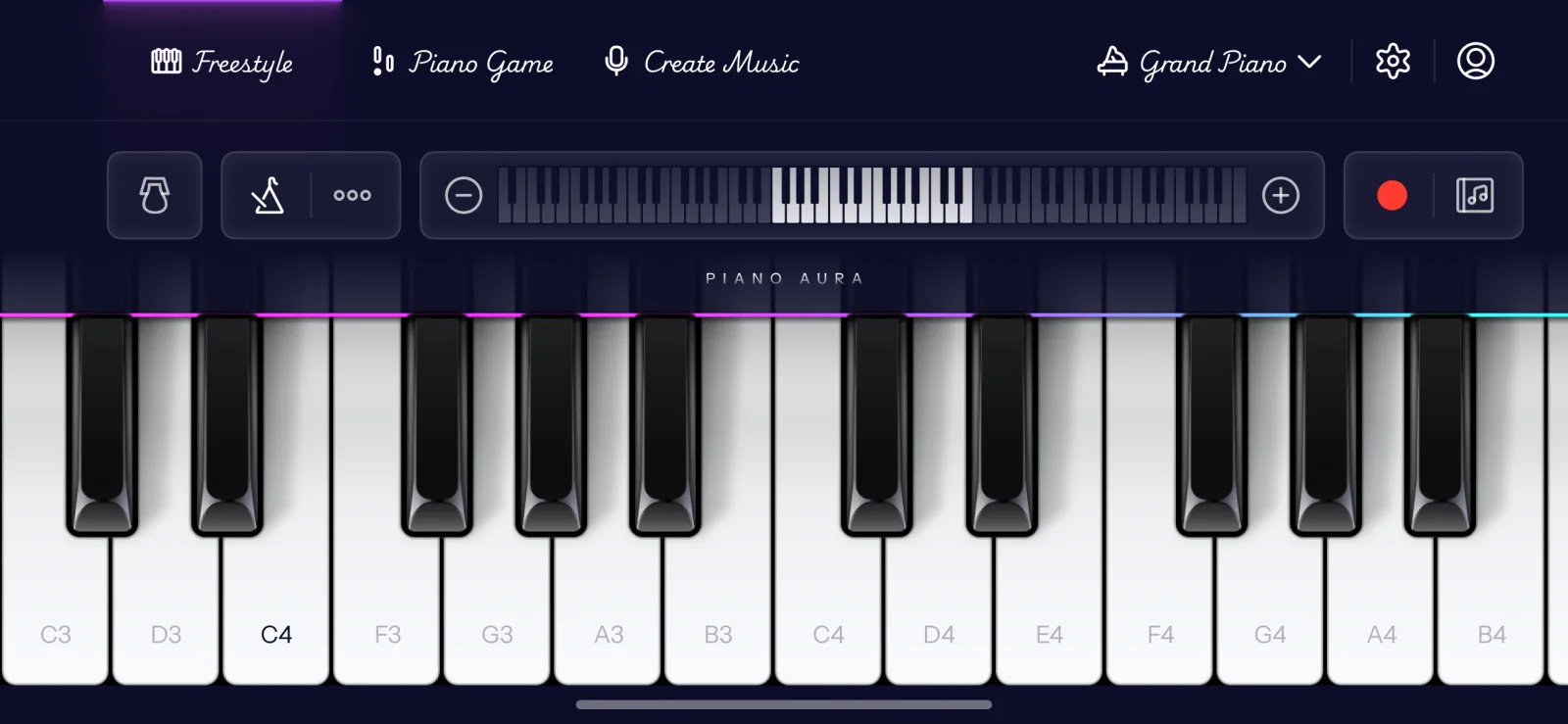
The best free piano app with no subscription is one where the things you actually want to do, play songs, improvise, and make your own music, work without a paywall or a trial clock. That sounds obvious, but most "free" piano apps are only free to download. You get a few minutes, then a monthly plan slides up in front of everything useful. A handful of apps are genuinely free to use. The short list: GarageBand is free with no subscription and no ads, but it teaches no songs. Piano Aura keeps songs, improvising, chords and recording free, paid for by ads that Premium removes. Here is how to tell the rest apart.
Free to download is not the same as free to use
Search "free piano app" and almost every result is technically free. What differs is what happens after you open it. The big guided-lesson apps, Simply Piano, flowkey, Yousician, are subscription apps by design: a short trial, then a recurring fee. That is a fair trade if you want a graded course that listens to every note and walks you through lessons. But if you typed "no subscription" into the search box, that is not the thing you were looking for.
The pattern to watch for is the trial that expires. An app that is free "for 7 days" is a paid app with a delay on the bill. There is nothing wrong with paying for something good. It is just worth knowing which kind of app you are installing before you get attached to it.
What "no subscription" should actually get you
A genuinely free app should let you do the core things without ever seeing a paywall: play real songs, sit at a full keyboard and improvise, build a chord and hear it, and record something you made. If any of those is locked on day one, the app is free in name only.
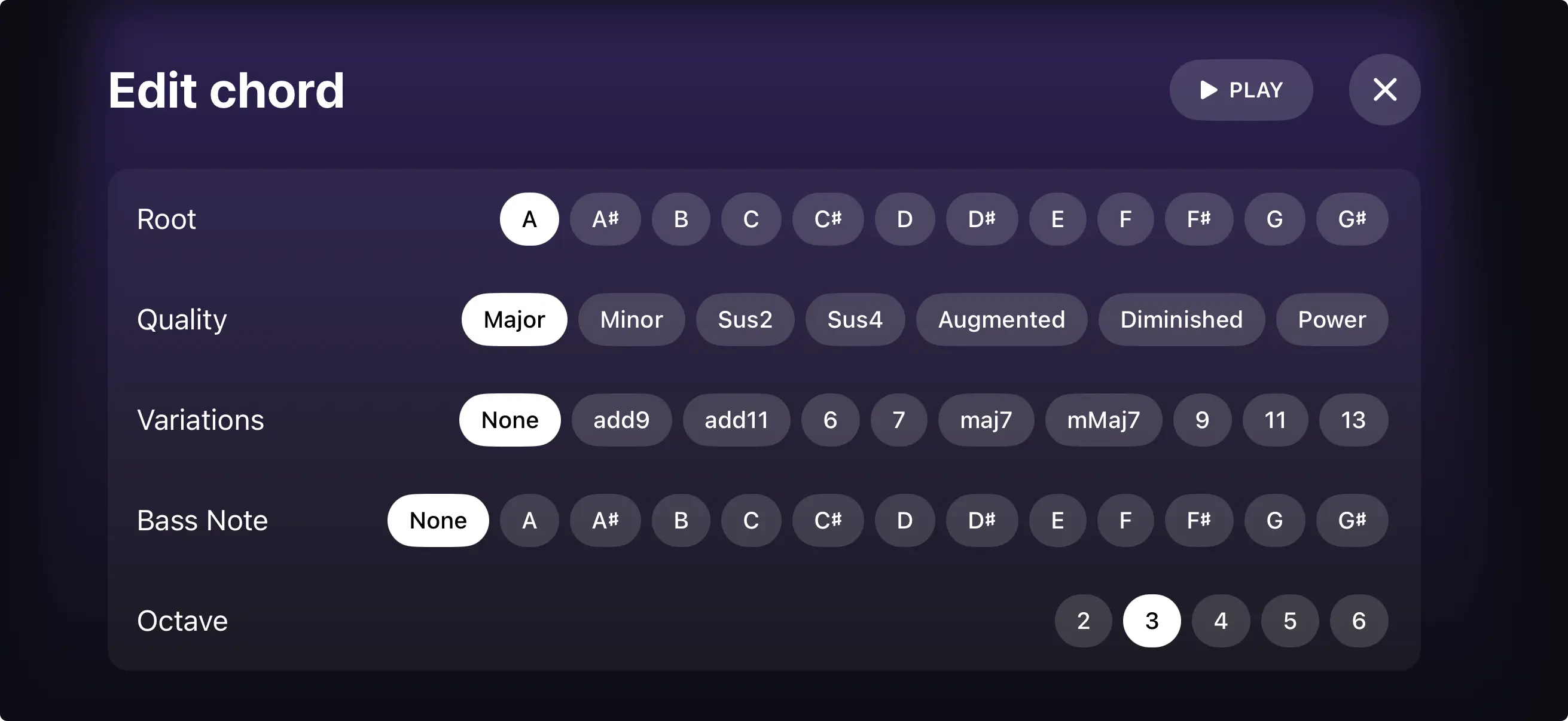
Piano Aura is built the other way around. Playing songs in Piano Game, improvising in Freestyle, building chords in Chord Builder, and recording a piece in Create Music are all free, with no subscription to unlock them. A few extras are premium, the metronome inside Create Music, for example, and it is fair to say so plainly. Some Piano Game songs are locked too: you can unlock one for a while by watching a short video, or get every song at once with Premium, which also removes the ads. The line most people care about, though, is whether you can play and make music for free, and that answer is yes.
Free piano apps without a subscription, and what each leaves free
These are the options that do not need a plan to be useful. Each one gives up something, so pick by what you want to do.
- GarageBand (Apple). Free, no subscription and no ads. It has a full touch keyboard, Smart Piano for chords, and multitrack recording. It does not teach songs, and the piano is one instrument inside a big studio app, so it suits people who already know what they want to play.
- Piano Aura. Free to download and free to use for the main modes: Piano Game songs, Freestyle, Chord Builder and Create Music. The free tier carries ads, and some songs need a short video to unlock. Premium removes the ads and opens every song.
- A browser keyboard. Piano Aura's online keyboard plays in Safari or any browser, with no account, no install and no ads. It is the quickest way to try a melody before you decide on an app.
- Lesson apps (Simply Piano, flowkey, Yousician). Free to download with a little free content, then a subscription for the full course. Worth it if you want graded lessons, but they are not what a "no subscription" search is after.